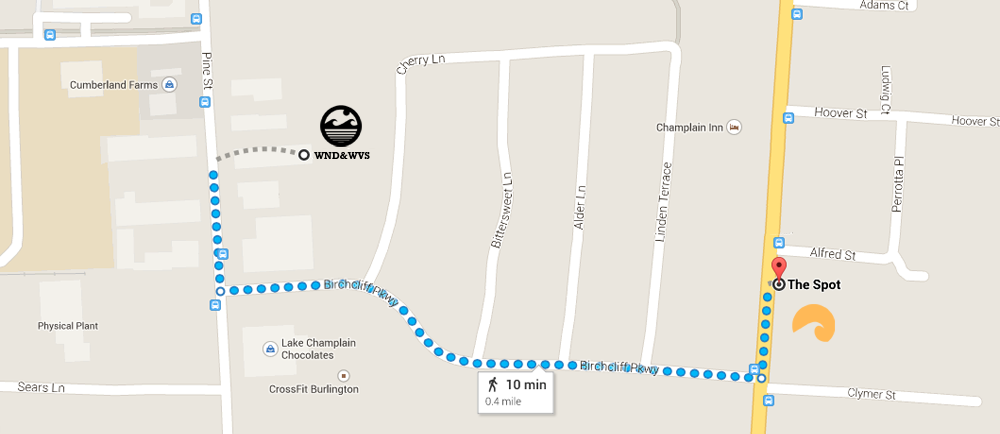




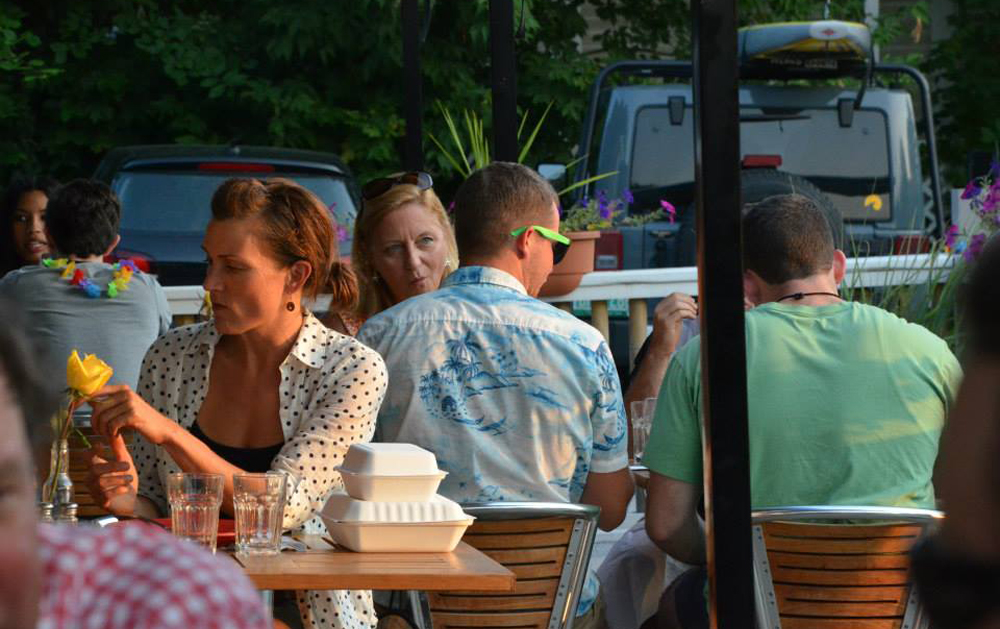
Enjoy the care-free Hawaiian-style ambiance of our surf-style restaurant conveniently located on Shelburne Road in a renovated 1950s gas station.
This surfy little place offers an experience you just can't find elsewhere in Vermont. Surfboards, palm trees and tropical fish set up its one-of-a-kind ambiance making it the hallmark venue for the "West Coast of New England". Its the perfect breakfast and lunch hang out for all you locals and newbies alike. The menu is fresh, local and colorful offering breakfast favorites like our Huevos Rancheros or lunch "must-haves" like our Peahi fish tacos.
People love the ambiance we’ve created at The Spot. And we love it too. Outside of the bamboo cladding, the fish tank, the palm tree tables and overall surfy vibe, there are some less visible things going on that we’re very proud of as well. For starters, we’ve got a very healthy and nutritious menu sourced as local as possible and prepared without the use of mircrowaves or fryolaters.
We’re also commited to reducing our waste by removing unnecessary packaging from staple front-of-the-house items like sugar, jams, salt, pepper, and drinking straws. Additionally, we’re tapping into wind and rays using our Honeywell wind turbine and 8kW solar array to offset all of the cooling required to run a small restaurant.
Come dine with us and experience a mini vacation to the tropics with great food, great service and great ambiance.
Mahalo!
Our Waterfront Seasonal Location - Spot on the Dock
Looking for us on the water in the Burlington city marina? You can find us at the ferry dock at 1 King Street between the months of May and October or online at spotonthedock.com.
Our Sister Surf Shop - WND&WVS
After your meal, we strongly suggest making a trip down to our stand up paddle (SUP) lifestyle shop, WND&WVS where you'll find everything from paddle boards, windsurfers and kites to clothing, accessories and apparel from brands like Starboard, Naish, Rip Curl, O'Neill, RVCA, Quiksilver, Maui Jim, Kialoa and more.